
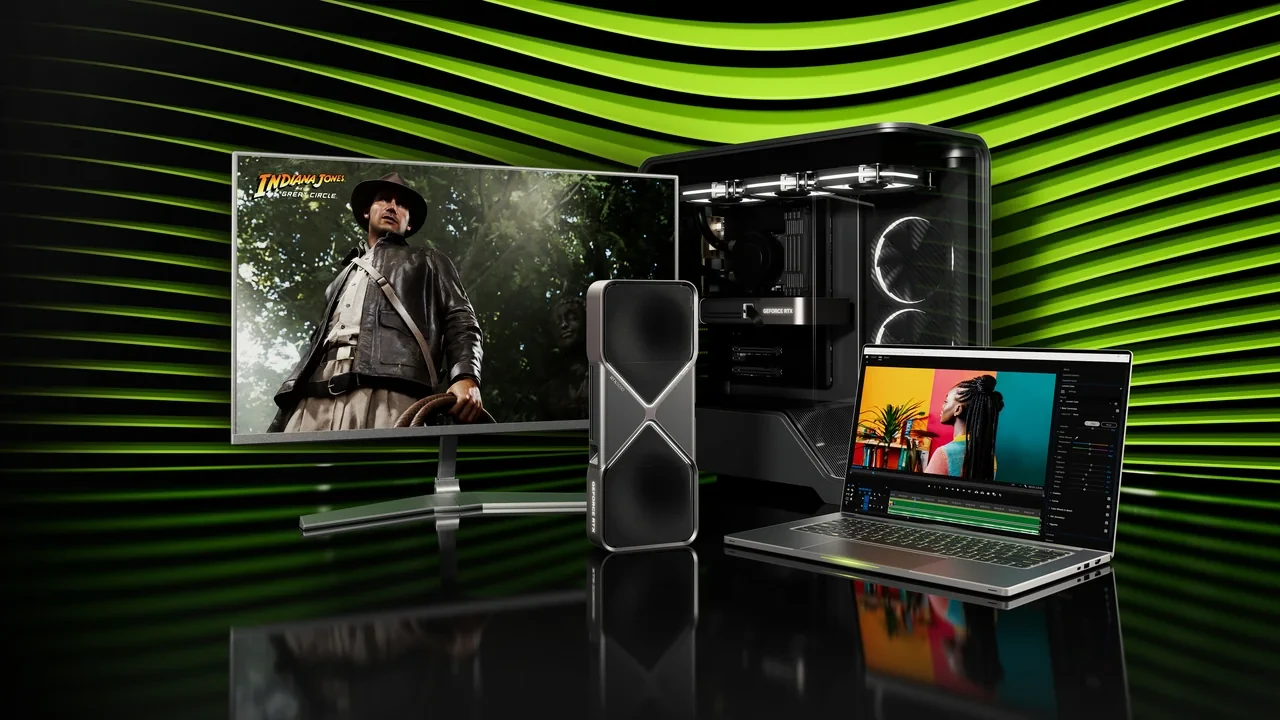
GeForce RTX 5060 DLSS 5 benchmark: what the 1080p data shows
The desktop GeForce RTX 5060 averages 47.6 FPS in Cyberpunk 2077, 34.1 FPS in Alan Wake 2, and 37.6 FPS in Hogwarts Legacy at 1920×1080 with demanding ray-tracing presets. Those direct results are the native baseline. They do not measure DLSS 5.
DLSS 5 is scheduled to launch on September 3, 2026 at 21:00 PT, and the RTX 5060 is officially supported as an RTX 50 Series product. Exact uplift, latency, and image-quality results for this card remain gated until the public build can be tested.
The RTX 5060 is a mainstream Blackwell target
The desktop card belongs to the RTX 50 Series generation that introduces Neural Rendering as a first-class path in DirectX and Vulkan toolchains. It runs the new upscaling and Frame Generation stack on its Tensor cores rather than through a retrofit intended for older silicon.
The RTX 50 Series reference records the family, generation, and unified feature set. A studio should still test the exact desktop RTX 5060 because a family-level support statement does not supply a model-specific frame rate.
Only three FPS results are verified
Every figure below comes from Notebookcheck’s page for the desktop GeForce RTX 5060. No laptop, Mobile, Max-Q, D, SUPER, Ti, or neighboring model is substituted, and no value is estimated from another resolution or preset.
| Game | Resolution | Settings | Average FPS |
|---|---|---|---|
| Cyberpunk 2077 | 1920×1080 | Ray Tracing Ultra Preset (DLSS off) | 47.6 |
| Alan Wake 2 | 1920×1080 | High Preset + High Ray Tracing | 34.1 |
| Hogwarts Legacy | 1920×1080 | Ultra Preset + Full Ray Tracing High TAA | 37.6 |
The preset string belongs with each number. All three are native 1080p tests using high ray-tracing settings, but their engines and temporal paths differ.
What the native 1080p baseline tells developers
None of the three tests reaches 60 FPS. Cyberpunk is closest at 47.6 FPS, while Alan Wake 2 and Hogwarts Legacy remain in the mid-to-high 30s. A project using full ray tracing on this mainstream card needs a lower ray tier, a lower base preset, or a measured upscaling path before it can promise a smooth 60 FPS result.
The spread is large enough to show differences between engines, yet all three results still fit a broad 30 to 50 FPS native envelope for heavy 1080p ray tracing. It does not make one engine categorically faster.
DLSS 5 support is known; its result is not
The RTX 5060 has the required RTX 50 Series hardware, but its render budget still determines the result. Upscaling can move part of the per-pixel cost away from the base renderer. Until the September 3 launch time, there is no verified uplift, latency result, or image-quality comparison for this exact card.
Keep native and DLSS reporting separate. The three public averages measure the native ray-traced path. DLSS 5 needs a second run on the same card, scene, driver, and preset.
Prepare the measurement before launch
- Confirm that the engine recognizes the GeForce RTX 5060 as an RTX 50 Series GPU and exposes its DLSS 5 plugin, SDK, or sample path. Add an explicit RTX 50 override if the engine reports only a generic Blackwell device.
- Lock a verified game or a custom scene with comparable 1080p ray-tracing cost so pre-launch and post-launch traces remain comparable.
- Capture native 1920×1080 with full ray tracing and the same preset naming used by the external benchmark. Store that average as the baseline.
- Wire DLSS 5 into a non-shipping branch, run the same configuration, and mark the result launch-gated until it can be published.
- Choose the likely shipping and marketing quality modes before measuring. They can differ, but each must be named in the result.
With the scene and script ready, the public-driver test becomes a single controlled delta rather than a new benchmark project.
A minimum QA matrix for the RTX 5060
| Test | Resolution | Settings | Expected native range | DLSS 5 expected |
|---|---|---|---|---|
| Cyberpunk 2077-style workload | 1920×1080 | Ray Tracing Ultra Preset (DLSS off) | ~47.6 avg FPS | Launch-gated, do not cite |
| Alan Wake 2-style workload | 1920×1080 | High Preset + High Ray Tracing | ~34.1 avg FPS | Launch-gated, do not cite |
| Hogwarts Legacy-style workload | 1920×1080 | Ultra Preset + Full Ray Tracing High TAA | ~37.6 avg FPS | Launch-gated, do not cite |
| First-party representative scene | 1920×1080 | Project’s “Recommended for RTX 5060” preset | Internal measurement | Internal measurement, gated |
The first three rows are public reference points. Only a local measurement should be used for the project’s own scene.
Claims the current evidence cannot support
- No DLSS 5 uplift is quoted before the official September 3, 2026 release gate.
- No laptop, Mobile, Max-Q, D, SUPER, Ti, or neighboring RTX 50 result is transferred to the desktop RTX 5060.
- No 1440p or 4K result is inferred from the verified 1920×1080 set.
- No percentage improvement over a previous generation is claimed without a paired measurement.
Use the evidence to define the recommended preset
| Production decision | Anchored to | What the data supports |
|---|---|---|
| Default ray-tracing tier on the GeForce RTX 5060 | Three verified 1080p rows above | A “ray tracing on, high tier” default is within the 30 to 50 FPS native range and is supportable with DLSS 5 on top. |
| Base preset for the same card | Same three rows | “High” or “Ultra” presets are within range, but “Ultra + full ray tracing” without upscaling is not a smooth default. |
| Resolution targeting | Same three rows | 1080p is the supported reporting resolution here. Higher resolutions are not reported. |
| Public-facing performance claim | Same three rows, plus launch-gated DLSS 5 | A “30 to 50 FPS native at 1080p with full ray tracing” claim is defensible. A “60 FPS with ray tracing on” claim is not. |
The Notebookcheck desktop RTX 5060 page is the direct source for these averages. A store-page Recommended preset with ray tracing should use DLSS 5 by default once the team has measured it. Without upscaling, Ultra plus full ray tracing does not provide a smooth 60 FPS result in the verified set.
Player-facing statements that remain accurate
- The desktop GeForce RTX 5060 is an officially supported RTX 50 Series product, while its exact DLSS 5 uplift remains launch-gated.
- At 1920×1080 with ray tracing and no upscaling, it averages 47.6 FPS in Cyberpunk 2077, 34.1 FPS in Alan Wake 2, and 37.6 FPS in Hogwarts Legacy in the listed tests.
- DLSS 5 launches on September 3, 2026 at 21:00 PT. Publish an uplift only after that time and only from a named scene, mode, and GPU.
- For smooth 1080p ray tracing, enable a locally tested DLSS 5 quality mode or lower the base and ray-tracing presets. Native performance sits in the 30 to 50 FPS range in the verified games.
Capture these results when the gate opens
- Native 1920×1080 using the project’s Recommended RTX 5060 preset, with average FPS, 1% low, and frame-time variance.
- DLSS 5 at the chosen quality mode in the same scene, on the same preset, driver, and hardware.
- A second DLSS 5 quality mode that can serve as a fallback if the default misses its target.
- The same scene on one neighboring reference SKU if the project needs to discuss the broader RTX 50 Series.
For a PC project, the RTX 5060 decides whether a mainstream player receives a smooth default. Improving native ray-traced performance by 20 percent and shipping a clean DLSS 5 profile are different optimization tasks, so the team must decide which one serves the product.
Frequently asked questions
When does DLSS 5 launch on the GeForce RTX 5060?
It is scheduled for September 3, 2026 at 21:00 PT. The card is officially supported as an RTX 50 Series product, but a specific uplift should be cited only after the public release.
What does the card produce at native 1080p with ray tracing?
The verified averages are 47.6 FPS in Cyberpunk 2077, 34.1 FPS in Alan Wake 2, and 37.6 FPS in Hogwarts Legacy at the listed presets.
Can a developer publish a DLSS 5 result before launch?
No. Support exists at the platform level, but the card-specific uplift is gated until the stated release time.
Does 47.6 FPS apply to a laptop RTX 5060?
No. All three results belong to the desktop card. Laptop, Mobile, Max-Q, D, SUPER, and Ti products need separate measurements.
Is the RTX 5060 a native 60 FPS ray-tracing card at 1080p?
Not in the verified tests. It averages 47.6, 34.1, and 37.6 FPS. Reaching 60 FPS requires a lower preset, a lower ray tier, or an upscaling path such as DLSS 5.
Which Recommended preset should a project ship?
With a locally measured DLSS 5 mode, High or Ultra with ray tracing can be defensible at 1080p. Without DLSS 5, the same configuration remains in the 30 to 50 FPS native range.
Where do the benchmark figures come from?
Notebookcheck’s desktop GeForce RTX 5060 benchmark page provides the three 1920×1080 averages and their explicit presets. No interpolation or neighboring-SKU transfer is used.
What should a launch-day test capture?
Record native and DLSS 5 runs on the same scene, preset, GPU, and driver. Keep average FPS, 1% low, and frame-time variance, plus a second quality mode for fallback testing.
Is the RTX 5060 part of the Neural Rendering generation?
Yes. It is a desktop RTX 50 Series product, and the family reference places it in the generation that introduced the Neural Rendering feature set.
Why are no 1440p or 4K results included?
The verified measurements are all 1920×1080. A higher-resolution result needs its own documented test.



Leave a Reply